
Every feature. One platform.Zero add-ons.
Routing, jobs, quotes, billing, messaging, reviews, marketing and reporting.
One platform for the office and the field.
Routing & scheduling
Build recurring routes, optimize them on real drive times, and track every tech through the day.
7 features
Routing & scheduling
7 featuresRecurring routes
- •Assign each property to a tech, a day and a frequency (every 1–4 weeks).
- •Daily stops are generated automatically.
- •Optional end dates, skip dates, and a labor cost per stop.
Route optimization
- •Re-orders stops using Google drive times.
- •Start and end point: tech's home, office, a property, or any address.
- •Shows current vs. optimized drive time and distance.
Route dashboard
- •Each tech's progress for the day.
- •Live tech locations and GPS trail.
- •Planned vs. actual route comparison.
Route manager
- •Weekly grid of techs × days with stop counts.
- •Drag to reorder stops.
- •Move stops between techs and days, one-time or permanent.
Scheduling manager
- •List of unscheduled jobs.
- •Drag a job onto a tech's calendar, or place it on a map.
- •Attach a job to a future recurring visit.
Skipped stops
- •Techs log a reason, comment and photos for each skip.
- •Office reschedules or dismisses.
- •Option to auto-skip unfinished stops at midnight.
- •Option to charge for skipped stops on per-stop plans.
Important locations
- •Office, supply houses and similar spots shown as map markers.
- •Usable as route start and end points.
Technician app
iOS and Android. Everything a tech needs on the route, and manager tools in the same app.
10 features
Technician app
10 featuresDaily route view
- •Stop list with status, ETA and estimated finish time.
- •List or map view.
- •Drag to reorder stops.
Service report
- •Steps: before photos, chemical readings, dosages, checklist, notes to customer, after photos.
- •One report per body of water or work order.
- •Required steps must be finished before the stop can be completed.
Chemistry
- •Readings shown against target ranges, with history from recent visits.
- •Dosage limit warnings.
- •LSI calculator with dosing suggestions.
Offline drafts
- •Reports save on the device as the tech works.
- •Photos upload in the background and retry on poor signal.
Stop actions
- •Send an on-the-way text with minutes away.
- •Navigate in Apple Maps or Google Maps.
- •Skip a stop with a reason, or reassign it.
- •Report a service issue with photos or video.
- •Add a job.
Items needed
Daily checklist of parts and supplies to load for the day's work orders.
Time clock
- •Clock in and out.
- •View pay-period hours.
- •Request corrections.
Earnings
- •Bonus balance.
- •Active initiatives.
- •Referral bonuses.
Review requests
Show the customer a Google review QR code, or text them the link.
Manager functions in the app
- •All techs' routes.
- •Reassign and skip stops.
- •Customers, jobs, quotes, invoices, messaging and users.
Customers & properties
One profile per customer, with every property, body of water, contact and visit.
8 features
Customers & properties
8 featuresCustomer profile
- •Contacts and properties.
- •Service plans and route assignments.
- •Balance and invoices.
- •Work history, photos and documents.
Multiple properties & bodies of water
- •Multiple properties per customer, multiple bodies of water per property.
- •Gallons, service plan and price.
- •Equipment pad: type, make and model.
- •Tech checklist.
Contacts
- •Multiple per property, with a primary contact.
- •Choose which messages each contact receives: service reports, job reports, on-the-way texts.
Work history
Every completed visit with readings, dosages, checklist, photos and notes.
Trends
- •Charts of chemical readings and chemical costs per body of water.
- •90 days, 6 months, or 1 year.
Tags & custom fields
On properties, contacts, jobs and users.
Cancellations
- •Cancellation reason required.
- •Reactivate at any time.
Data import
- •CSV or Excel.
- •Skimmer exports map automatically.
Jobs, repairs & quotes
Quote it, schedule it, complete it and bill it, with every step tracked.
8 features
Jobs, repairs & quotes
8 featuresJobs
- •Board or table view.
- •Statuses: unscheduled, scheduled, completed, not invoiced, invoiced.
- •Assignee, priority flag, tags, photos and notes.
Work orders
- •A job can have multiple visits.
- •Each visit has its own techs, time estimate, checklist and items needed.
Job quotes
- •Multiple options per quote.
- •Optional deposit.
- •Customer approves online with an e-signature.
- •Can require a card on file to approve.
- •Download as PDF.
Catalog
- •Products and services with price, cost and taxable flag.
- •Saved bundles of line items.
Job types
Defaults for line items, work orders, checklists, photo requirements and completion messages.
Recurring jobs
- •Repeat every N days, weeks or months.
- •Optional customer approval before each occurrence.
- •Queue view shows overdue and upcoming jobs.
On completion
Per job type: do nothing, send the invoice, or charge the card on file.
Service issues
- •Techs report issues from the field.
- •Office assigns and resolves them, or converts them to a quote or job.
Billing & payments
Recurring billing, autopay and online payments, with every dollar reconciled.
12 features
Billing & payments
12 featuresRecurring billing
- •Monthly or per visit.
- •Billed for the current month or the following month.
- •Chemicals can be added to the plan invoice or billed separately.
Autopay
- •Charges the saved card or bank account automatically.
- •Optional retries for failed payments: number of attempts and days between tries.
Online payments
- •Credit card and ACH with Splash Payments.
- •Optional surcharge to pass processing fees to the customer.
Financing
- •U.S. Bank Avvance on quotes and invoices.
- •$300–$25,000 with 6–60 month terms.
Payment links
Every invoice and quote has a payment link.
Card-on-file requests
Sent by text or email.
Automated reminders
- •Overdue invoices and unanswered quotes.
- •Multiple steps.
- •Email and/or SMS.
Manual payments
- •Record cash, check or other.
- •Apply across multiple invoices.
Credits & refunds
- •Refund to the card or to account credit.
- •Credits apply to the next invoice automatically.
Payments & deposits view
- •Each payment and each bank deposit with gross, fees and net.
- •CSV export.
Sales tax
Tax rates and combined tax groups.
Invoice terms
Due on receipt through Net 60.
Customer communication
One business number, automatic service reports, and bulk email from the same place.
9 features
Customer communication
9 featuresMessage Center
- •Shared business phone number for SMS/MMS.
- •Conversations can be assigned, closed and reopened.
- •Templates and internal notes.
- •Linked to the customer's account.
Calling
- •Call from the browser or the mobile app.
- •Call logs are kept.
Service reports
- •Sent after each visit by email and/or SMS.
- •Include before/after photos, readings, dosages, checklist and notes.
- •Choose which sections show.
Job completion reports
Sent once per job, or after each work order.
On-the-way texts
Sent from the tech app.
Email announcements
- •Bulk email to all customers or a filtered list (tags, tech, service day).
- •Open and delivery tracking.
Branding
Logo, accent color, and one of four email styles.
Templates
Merge fields for invoices, quotes, reminders and texts.
Team chat
Internal channels and direct messages.
Customer portal
Your customers see their plan, pay invoices and approve quotes on your own branded portal.
6 features
Customer portal
6 featuresLogin & branding
- •Customer login on your own subdomain.
- •Branded with your logo.
My Plan
- •Next visit date and technician.
- •Open quotes and open invoices.
Billing
- •Plan price and account credit.
- •Saved payment methods: add, remove, set default.
- •Invoice history.
- •Pay invoices.
Work history
- •Past service reports with photos, readings and checklist.
- •Can be hidden by the company.
No-login links
In emails and texts, customers can pay an invoice (card, ACH or financing), approve and sign a quote, approve a recurring job, or save a card on file.
Feedback
- •Thumbs up or down after visits.
- •Negative feedback goes to the company, not to a public review site.
Marketing suite
Capture leads, quote recurring service, and turn an approved quote into a customer in one step.
6 features
Marketing suite
6 featuresLead pipeline
- •Board or table view with custom stages.
- •Track lead sources.
- •Mark won or lost.
Website lead forms
Embeddable form that creates a lead in Splash.
Service quotes
- •Per-body-of-water pricing, per month or per stop.
- •Promotions and add-on services.
- •New sign-ups are added to autopay automatically.
- •Your Google/Yelp rating shown on the quote.
Convert to customer
An approved quote creates the customer, plan, route and billing setup.
Website builder
Template-based website you can edit.
Lead source reporting
Conversion by source.
Reviews & complaints
Happy customers go to Google. Unhappy ones come to you first.
5 features
Reviews & complaints
5 featuresAutomated review requests
- •Email and/or SMS.
- •Sent after jobs with a set delay, or on a schedule for recurring customers.
Feedback screening
- •Every request asks thumbs up or down first.
- •Thumbs up goes to Google; thumbs down opens a complaint case.
Google Business Profile
- •Reviews sync into Splash.
- •Review link and QR code.
Review attribution
Assign each review to a tech and a customer.
Complaints
- •Cases by category and technician.
- •Internal notes.
- •Close and reopen.
- •Customers with open complaints don't get review requests.
Team, pay & time
Bonuses, initiatives, timekeeping and roles, so pay follows performance.
7 features
Team, pay & time
7 featuresReferral bonuses
- •Flat or per-job-type rate, $ or %.
- •Earned on job completion or on payment.
- •Approved or denied by a manager.
Initiatives
- •Goals like 5-star reviews, satisfaction % and perfect attendance.
- •Paid per result or on hitting a target.
Earnings & payouts
- •Earned, paid and balance per employee.
- •Record payouts by direct deposit, check, cash or payroll.
Attendance
Monthly grid of showed up, no-show or off.
Timekeeping
- •Clock in/out from the app.
- •Weekly, biweekly or semimonthly pay periods.
- •Overtime rules: weekly, daily and 7th day.
- •Correction requests and manager approval.
- •CSV export.
Live team map
Shows who is clocked in.
Users & roles
- •Owner, Manager and Technician roles, plus custom roles with per-permission control.
- •Pay type per user: hourly or per pool.
Reporting
See what is working across revenue, customers, operations and your team.
6 features
Reporting
6 featuresEvery report includes a date range, filters, drill-down and CSV export.
Revenue & billing
- •Monthly recurring revenue
- •Revenue & profit
- •Aged receivables
- •Payment ledger
- •Deposits
- •Autopay adoption
Customers
- •Churn
- •New accounts
- •Net growth
- •Active accounts
- •Zip-code performance map
- •Portal adoption
Operations
- •Service plan mix
- •Stop duration & productivity
- •Skipped stops
- •Service issues
Chemicals
- •Out-of-range readings
- •Chemical cost & usage
Team
- •Hours & timesheets
- •Attendance
- •Technician reviews and feedback
- •Job referrals
Sales
- •Job quote conversion
- •Service quote conversion
- •Lead source performance
Integrations
Connects to the tools you already use, with the controls to run more than one location.
7 features
Integrations
7 featuresQuickBooks Online
Pushes customers, invoices, payments, deposits, credits and refunds to QuickBooks.
Google Business Profile
Syncs reviews into Splash.
Multiple locations
One account, separate settings and branding per location.
Two-factor authentication
With an authenticator app.
Push notifications
Chosen per user: out-of-range readings and dosage limits, skipped stops, failed payments, new leads and new reviews, quote decisions.
Auto-assignment
Route unscheduled jobs, jobs ready to invoice, and reported issues to set people.
Configurable settings
- •Service plans and checklists.
- •Chemical readings and dosages: ranges, costs.
- •Skip reasons.
- •Job types.
- •Tags, custom fields and message templates.
Run your business.
Grow your route.
For pool companies serious about growth. Everything the others do, plus the systems that took us to 5,000 pools.
What part of your business
do you want to grow?
Select all that apply.
30 day money-back guarantee
Trusted by the nation's top pool service companies
Splash Academy
The exact playbooks we used to build a 5,000-pool company.
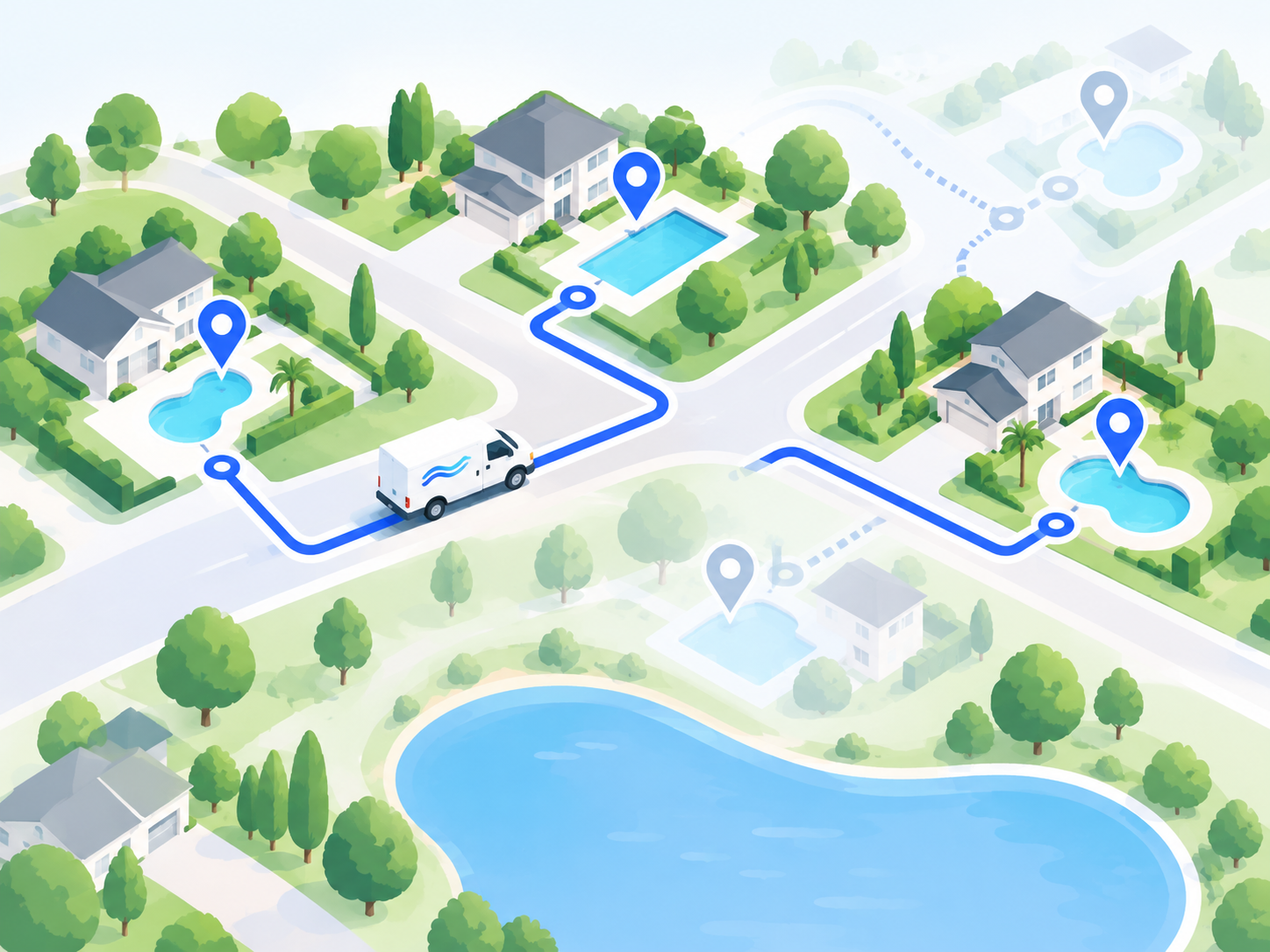
GROWTH
Growing Your Pool Route
Google Ads, Meta Ads, and Maps ranking — the full playbook for signing pool accounts at a cost that actually scales.
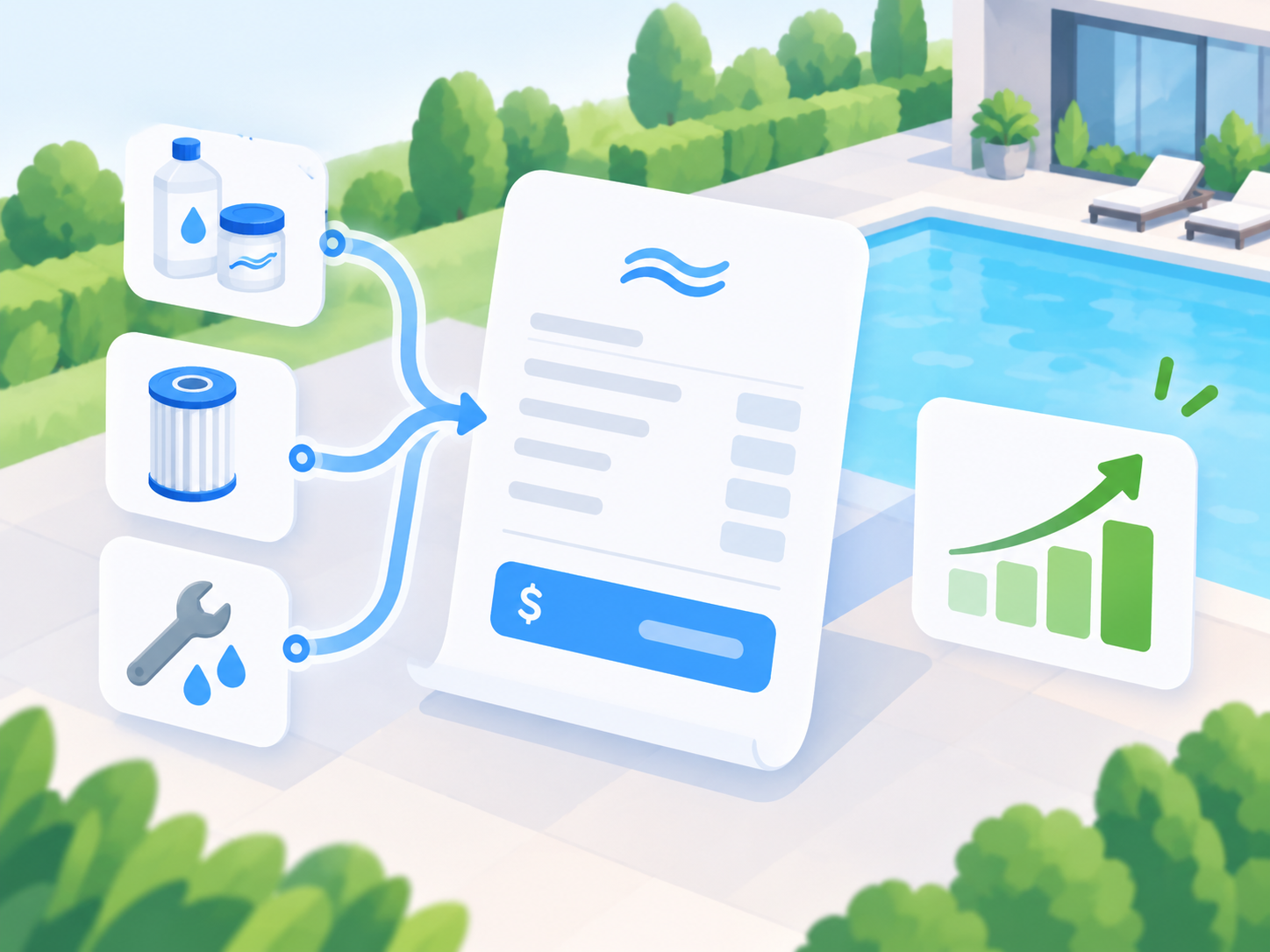
PROFIT
Hidden Profit on the Route
The pricing, upsell, and route-density levers that add margin to every stop you're already making.

TEAM
Incentives & Culture That Keep Techs
The initiative scorecards, gamified pay plans, and weekly recognition rituals that make techs feel like they own the route — and actually want to stay.